
Every six months, NetSuite ships a wave of updates that reshape how finance, operations, and IT teams run their businesses. The 2026.2 release keeps that rhythm, and this cycle leans hard into three themes: more capable AI inside everyday workflows, a genuinely modern approach to login security, and a bank reconciliation experience that finally feels built for the people doing the reconciling. It also carries one developer mandate you cannot afford to ignore.
Executive Summary:
NetSuite 2026.2 is a broad, practical release headlined by a smarter Ask Oracle (effort levels, more document types, and six new core skills), passwordless authentication with passkeys, a CPQ AI Assistant, and a wide set of improvements to bank matching and reconciliation (suggested matches, automatic submission, and full system-note tracking). Below is Techfino's breakdown of what changed and what your team should do about it.
This release follows the same biannual cadence as the 2026.1 release, and like every cycle it deploys to accounts in phases. You can review the full official release notes or keep reading for the changes most likely to affect your team.
Accounting and Financial Management: Fewer Clicks, Cleaner Books
Start Order Fulfillment Directly from Sales Order Lists. You can now trigger fulfillment straight from a filtered or saved sales order list, without opening each order or running bulk fulfillment. NetSuite launches the correct fulfillment flow and carries the sales order data over automatically.
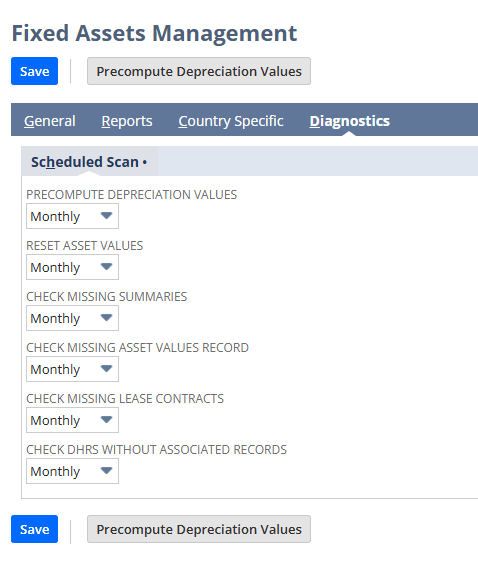
New FAM Diagnostics for Stale and Duplicate Depreciation Records. Two new checks, Check Duplicate DHRs and Check Stale DHRs, surface the depreciation history records that cause incorrect amounts. Asset reset now processes cleanup in smaller batches, reducing delays, errors, and the duplicate or stale records that created the problem in the first place.
Artificial Intelligence: Ask Oracle Levels Up


As 2026.1 and beyond saw the general release of NS Next and Ask Oracle, 2026.2 - and continuously from now on surely - we see releases to Ask Oracle functionality, making it ever more useful.
- Select an Effort Level. Before you send a prompt, you can set how much effort Ask Oracle applies. Auto is the default and lets the assistant judge complexity on its own, so simple questions stay fast and hard ones get the depth they need.
- Upload More Document Types. Ask Oracle now reads PNG, JPG, PDF, TXT, CSV, DOC, DOCX, XLS, XLSX, PPT, and PPTX files, so you can summarize, extract, and question the content of almost any document you work with.
- See the Job Details. A new view shows how Ask Oracle arrived at its answer, adding the transparency that finance and audit teams need before they trust an AI response.
- Six New Core Skills. New invokable skills include fulfillment performance insights, an inventory balance viewer, inventory impact review, an item creation assistant, a pricing configuration review, and natural-language SuiteFlow workflow drafting. This is part of the same trajectory we covered in three practical NetSuite AI use cases.
- AI Description and Advanced Record Customization. A new AI Description field (up to 280 characters, with an Optimize for AI action) helps AI features understand custom objects, and Advanced Record Customization gives admins a central place to review and override record definitions at the account level.


Authentication: Passwordless Login Arrives
 |
 |
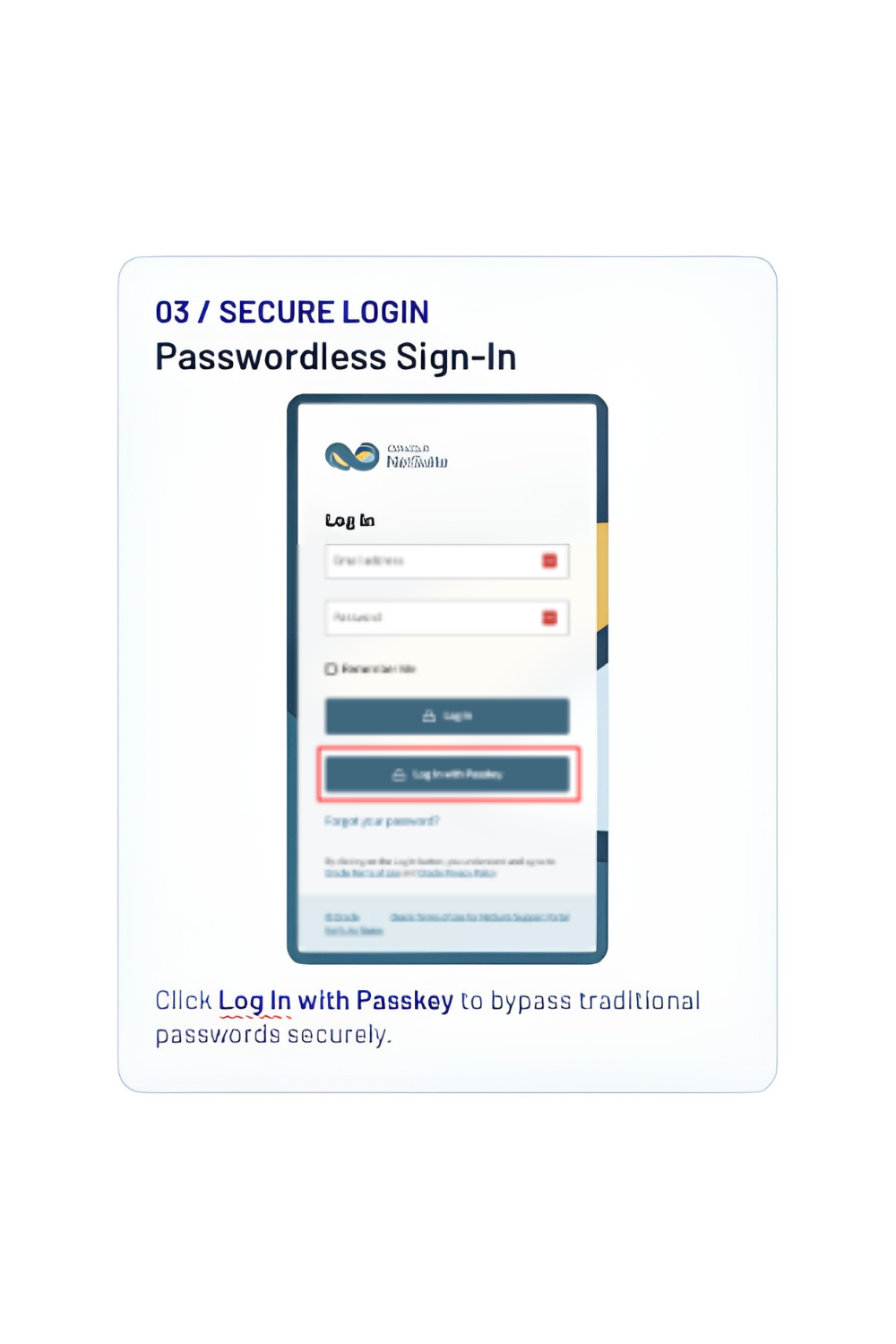 |
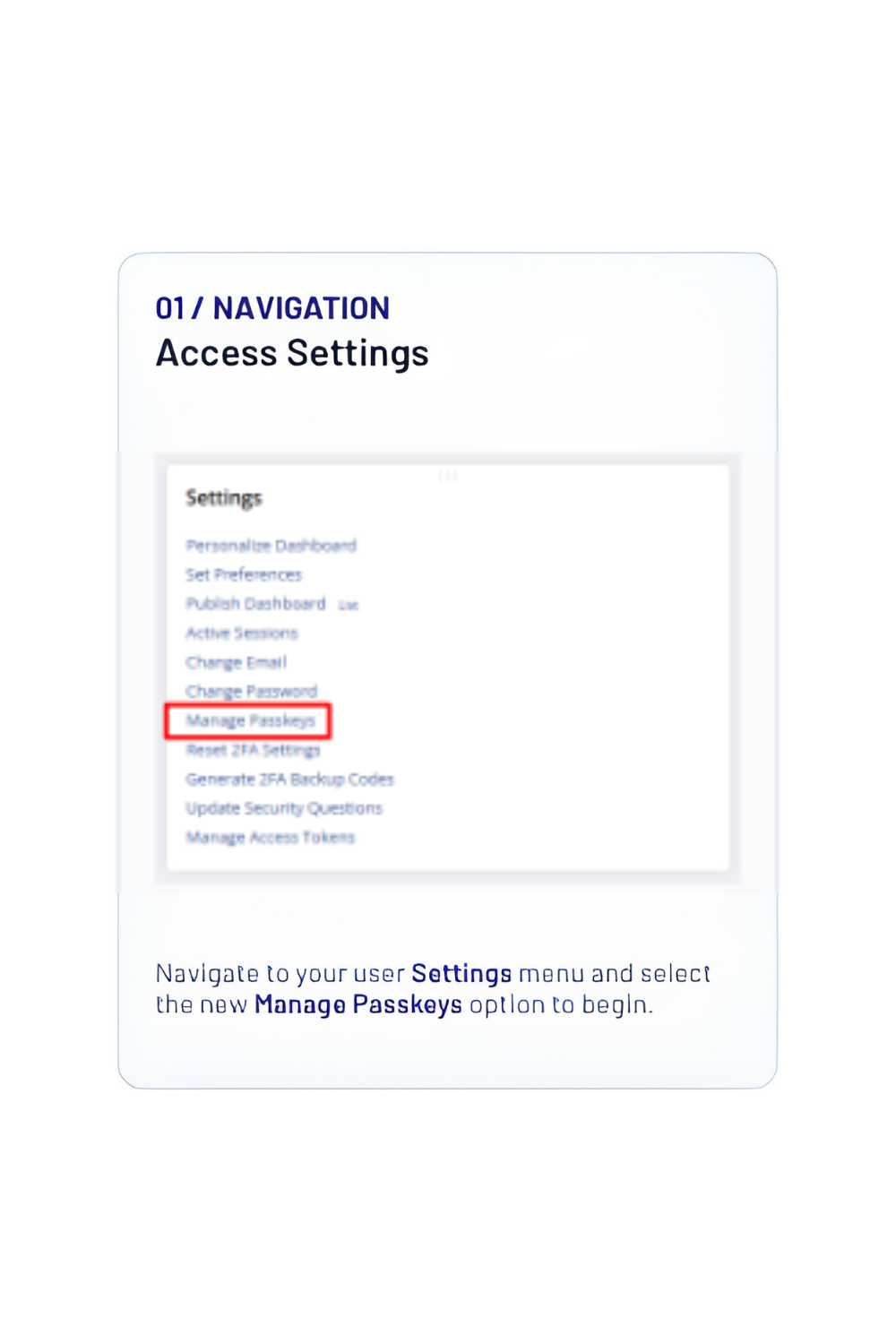
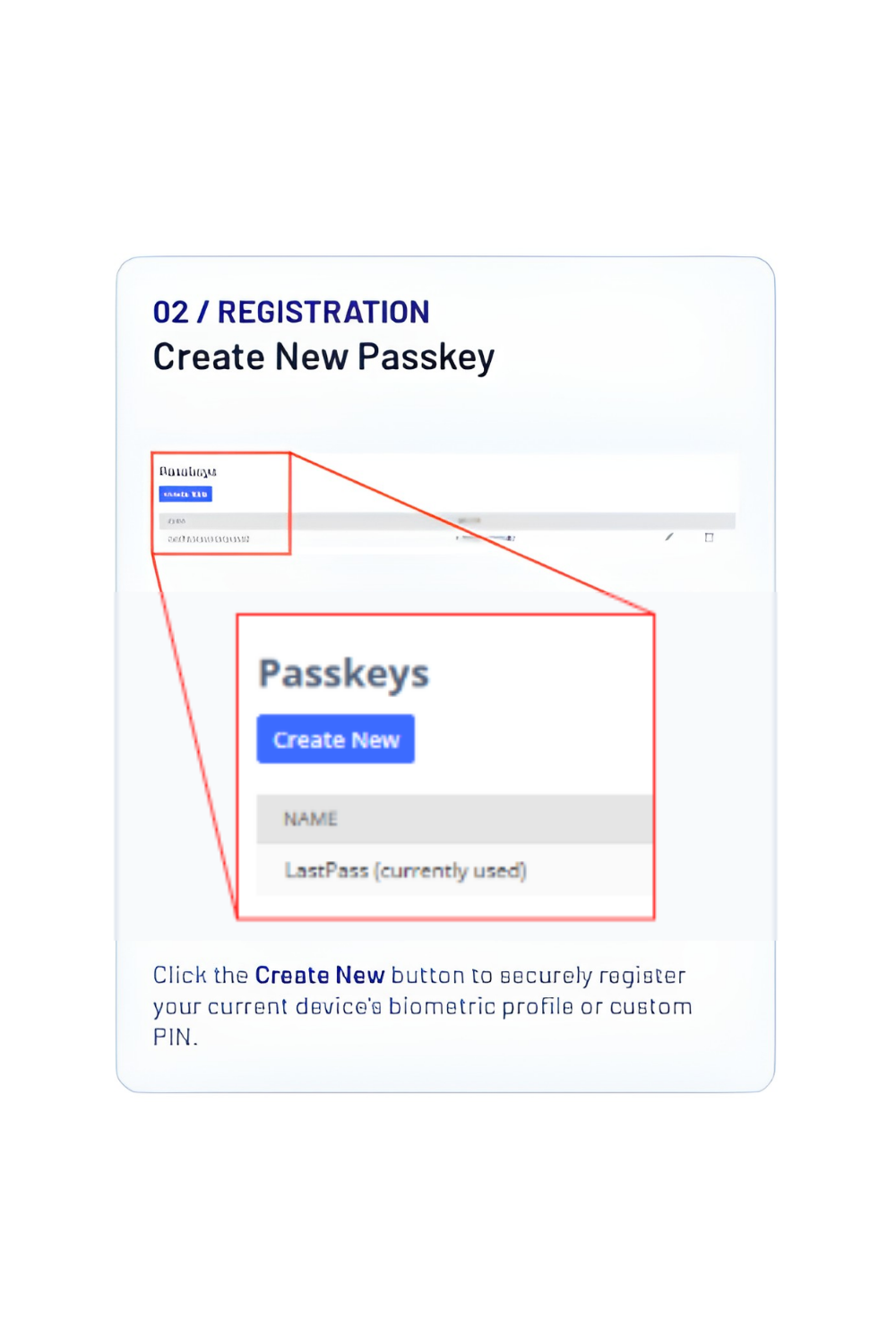
- Passwordless Authentication with Passkeys. As of July 13, 2026, any NetSuite user can set up a passkey and sign in with device biometrics or a PIN instead of a password. Setup lives under user Settings, in the new Manage Passkeys option.
- Know the boundaries. Passkeys apply to account login only. Other actions inside NetSuite still require a password, so treat passkeys as a faster, phishing-resistant front door rather than a full password replacement.
Banking: Reconciliation, Refined
This is the deepest cluster of improvements in the release, and it is a direct win for controllers and accounting teams. Faster, cleaner reconciliation is one of the most reliable ways to protect cash flow visibility.
- Suggested Transaction Matches. A new Match Suggestions subtab proposes matches for you to review before you reconcile, cutting the manual hunt for pairs.
- Automatic Submission of Manual Matches and Cleared Transactions. Manual matches and cleared transactions are now submitted for reconciliation automatically from the Match Bank Data page, removing a separate submission step.
- System Notes for Matching and Reconciliation. NetSuite now records when a transaction was cleared, submitted, unmatched, reconciled, or unreconciled, and exposes a Reconciled Status field in searches and reports.
- Match and Submission Details. Reconciliation pages now show who matched a transaction and who submitted it, closing an accountability gap.
- Cleaner Pages and Safer Imports. Renamed tabs (Transactions to Match, Excluded Transactions), action buttons above and below the lists, richer filter chips on the Reconcile Account Statement page, and new banners warning that imported bank memos may contain sensitive information.


NetSuite CPQ: An AI Assistant for Configuration
- CPQ AI Assistant. A generative AI guided chat helps sales reps and buyers complete complex product configurations through natural language, with admins managing readiness and visibility from a new CPQ AI Assistant subtab.
- Safer Migrations and Attachments. A new migration bundle preserves configuration and transaction field data when moving off the CPQ Configurator bundle, and an Attach to Transaction option lets users attach files during configuration. QTable popup lists can now be filtered by row natively, with no scripting.
Manufacturing: Capacity Visibility and Leaner Transactions
- Rough-Cut Capacity Planning (RCCP). Compare required versus available capacity by work center over a date range, using planned time from work orders and planned work orders to flag overloads and underloads. Work Center records now carry total machine and labor capacity fields to power the calculation.
- Exclude Zero-Quantity Components. A new preference stops storing zero-quantity component lines on manufacturing transactions, improving posting and costing performance across assembly builds, unbuilds, and work order transactions.
- Leaner Advanced BOM Storage. With Advanced Bill of Materials enabled, assembly components are no longer stored on hidden transaction lines, which trims record bloat on sales transactions. More on our approach in NetSuite for manufacturers.
Inventory and Supply Chain: Costing and Planning Precision
|
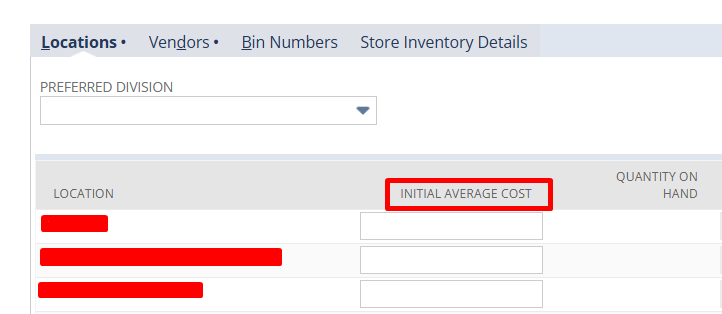
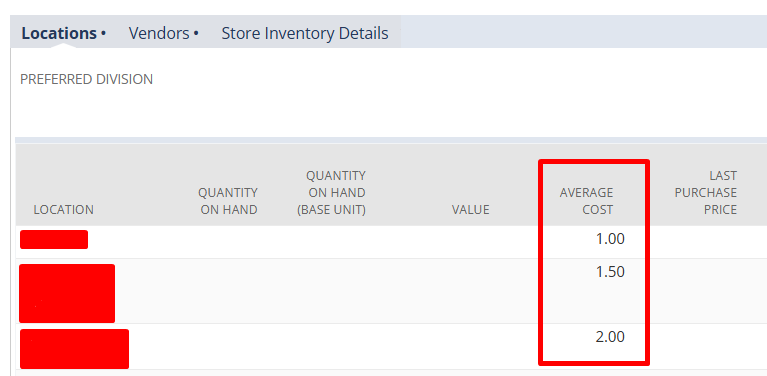
Initial Average Cost per Location. For Multi-Location Inventory accounts, you can set an initial average cost per location on new inventory or assembly items. Note that the value can only be set at item creation and cannot be edited once the record is saved. |
|
"RCCP has been on manufacturers' wishlist for years.

It used to live only in the Advanced Manufacturing Module, so a lot of customers never got their hands on it. Now that it's more broadly available, planners can see capacity constraints early and keep delivery commitments on track instead of finding out too late.
We're also building a tool that visualizes capacity and raw material issues side by side. It's not ready for prime time yet, but it's going to change how planners spot problems before they become delays."

Order Management and Payments: Automation Where It Counts
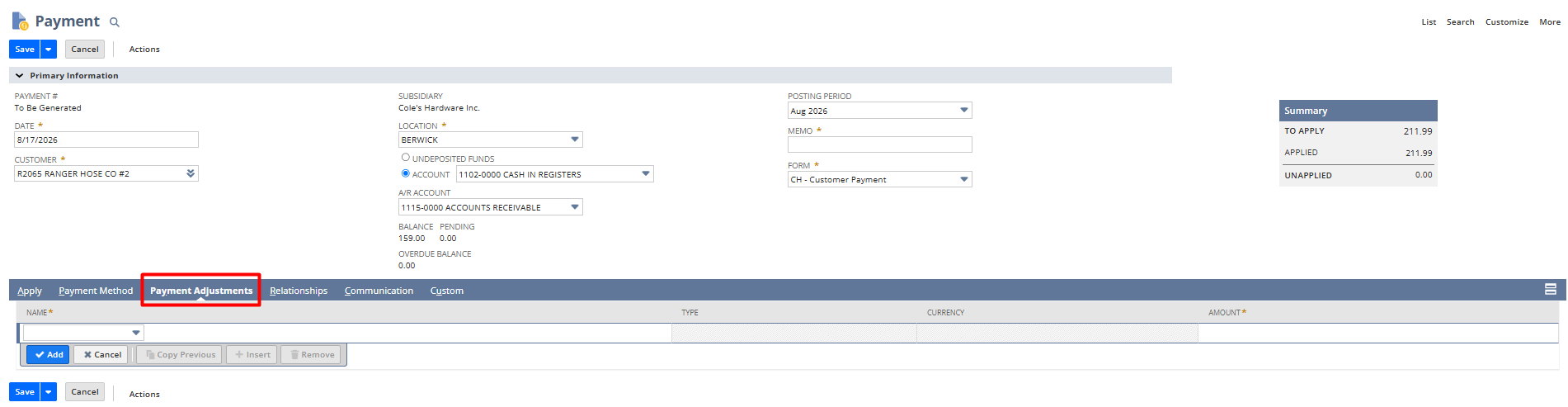
Automated Payment Adjustments. You can now adjust a payment amount automatically, for example a bank fee, convenience fee, or underpayment, directly from the customer payment or customer deposit transaction.
|
|
|
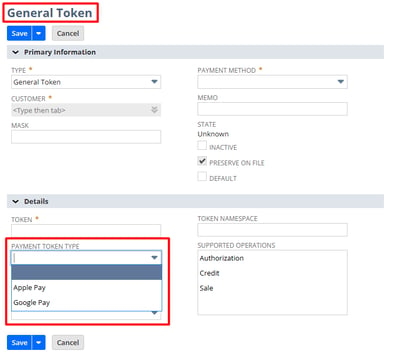
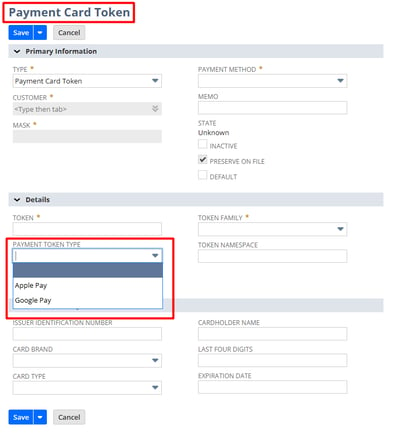
New Payment Token Type Field. A Payment Token Type field on general and payment card tokens lets you distinguish methods such as Google Pay and Apple Pay.
Projects: Health Indicators That Flag Risk Early
- Five New Project Health Indicators. NetSuite now surfaces planned-versus-actual time overrun, overdue tasks, resource coverage for remaining work, a margin indicator comparing recognized revenue to cost, and unbilled approved charges, so project managers can catch slippage and margin erosion before they compound.
Employee Management: Time Tracking You Can Audit
-
Expanded Start and End Time Fields. The Start Time and End Time fields are now available on time tracking forms, Weekly Timesheets, and Enhanced Timesheets with WFM wage rules, plus saved searches, CSV export results, and SuiteScript via the Record Browser.


Timesheets Audit Trail. Changes to Start Time, End Time, and Duration now generate system notes capturing who changed what and when, whether the edit happened in the UI or through SuiteScript.

Customization, Tax, and Vendors: The Rest of What Matters
- Currency Context for Currency Custom Fields. Currency custom fields can now be tied to a currency symbol field, so reports and analytics display the correct currency per record.
- Tax on Term Discounts in SuiteTax. When you pay a vendor bill early and earn a term discount, NetSuite now generates bill credits for both the discount and its associated tax automatically.
- Bill Capture Enhancements. Tax and shipping settings now require explicit selections, new options distinguish net from gross amounts, and incompatible configurations are blocked before they can be saved.
- Export Lists, Saved Searches, and Reports to .xlsx. Before, when you exported lists, saved searches, and reports to Microsoft® Excel, the default format was .xls. Now, the format is .xlsx.


Why This NetSuite Release Matters
Rather than betting on a single flagship feature, 2026.2 spreads targeted improvements across nearly every corner of the platform. The bank reconciliation overhaul offers the most immediate, everyday ROI for accounting teams, while the Ask Oracle upgrades and the CPQ AI Assistant continue NetSuite's steady push to put usable AI inside core workflows. Passkeys modernize the login experience without forcing a disruptive change. The one item with a hard deadline is the SuiteCloud CLI for Java sunset, which rewards teams that plan the migration early. As with the 2025.2 release, the throughline is consistent: more embedded AI, tighter integration standards, and incremental wins that remove manual steps.
“This is a NetSuite release at its best.
While NetSuite understandably continues to evolve and embed AI capabilities in the system, we are still receiving numerous, great updates to basic functionality everywhere. I see many changes that our clients have long clamoured for - showing NetSuite continues to be in touch with their client base and delivering the little features that matter a lot to every day use.”

Next Steps for Your Team
- Plan a passkeys rollout and update your internal login guidance.
- Review Bill Capture configurations now that tax and shipping require explicit selections.
- Reach out to the Techfino team for a free consultation with a specialist.
Is Your Team Ready to maximize NetSuite 2026.2… and AI?
It is increasingly an adage that AI is only as good as the data that fuels it. The roll out of the AI Description feature underscores that point. Is your data AI-ready? Techfino can help ensure you are, with services including AI use case counselling to data readiness.
In addition, Techfino consultants are ready to guide our customers through using new features, from Manufacturing and Supply Chain enhancements to Banking Reconciliation.
Talk to a NetSuite Expert
Tell us what you're working on, and we'll help you figure out the next step.